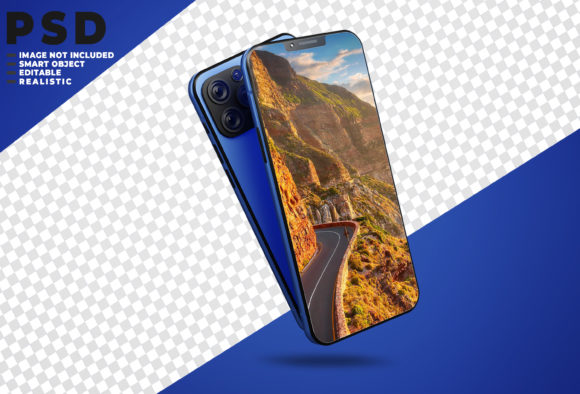
3D Smartphone Mockup: Elevate Your Design Portfolio
Imagine presenting your latest app interface, social media campaign, or website design not as a flat, lifeless image, but as a stunning, photorealistic scene that immediately captures attention and conveys professionalism. This is the transformative power of a high-quality 3D Smartphone Mockup, a vital design asset for any creative looking to showcase work with impact and realism.
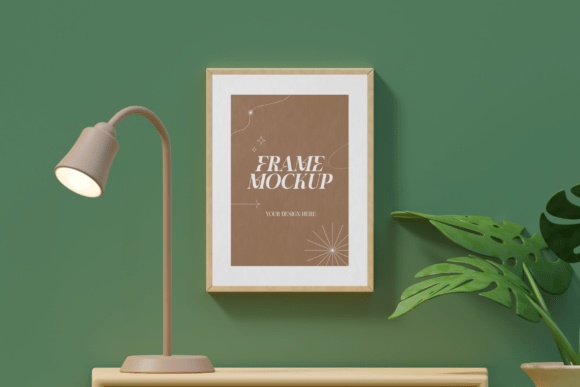
A 3D Smartphone Mockup is essentially a pre-made, three-dimensional template of a smartphone, allowing you to insert your own screen design into a realistic environment. This isn't just about placing an image on a device; it's about context. It allows clients and audiences to visualize your artwork, UI/UX design, or digital product as it would appear in the real world—held in a hand, resting on a desk, or displayed in a modern interior. This contextual presentation is crucial for making your portfolio, online shop, or client proposal more persuasive and memorable.
Practical Applications for Designers and Creators
The versatility of a well-crafted mockup makes it an indispensable tool across numerous projects. Consider how it can enhance your work:
- Portfolio Presentation: Transform your Behance or Dribbble portfolio. Instead of just showing app screens, present them within a sleek, 3D-rendered phone to demonstrate your design thinking in a real-world scenario.
- Client Deliverables: When pitching a new mobile app or responsive website, a mockup adds a layer of polish that helps clients understand the final product, building confidence and approval.
- E-commerce & Marketing: If you sell digital assets like templates, wallpapers, or social media kits, a mockup provides a professional visual that can significantly boost conversion rates on your online shop.
- Social Media Content: Create eye-catching posts, stories, or ads that stand out in a crowded feed. A 3D smartphone frame adds depth and professionalism to your announcements and tutorials.
- Editorial and Web Design: Use mockups in blog posts or case studies to illustrate points about mobile design, UI trends, or brand identity projects effectively.
Choosing and Using Your Mockup Effectively
Not all design assets are created equal. To ensure your mockup enhances rather than detracts from your work, consider these factors. First, prioritize a mockup that offers easy customization, typically through smart-object layers in Photoshop PSD files. This feature allows you to simply drag and drop your design, with the mockup automatically adjusting to the correct perspective and lighting. Look for a product that provides both JPEG and layered PSD formats for maximum flexibility.
Second, assess the realism and mood. The environment, lighting, and device angle should complement your design's aesthetic. A minimalist mockup suits a clean, modern app interface, while a lifestyle shot might be better for a consumer-facing social media campaign. Finally, always verify the licensing terms to ensure the font or asset can be used for your intended commercial or personal projects without restriction.
Ultimately, integrating a resource like this into your workflow is about elevating your presentation. It bridges the gap between concept and reality, showcasing not just the design itself, but the experience of using it. By selecting a thoughtfully created 3D Smartphone Mockup, you equip yourself with a powerful tool to communicate ideas more effectively, impress clients, and build a visually cohesive and professional brand identity. It’s a small investment in your toolkit that can yield a significant return in the perceived quality and impact of your creative work.